Store System
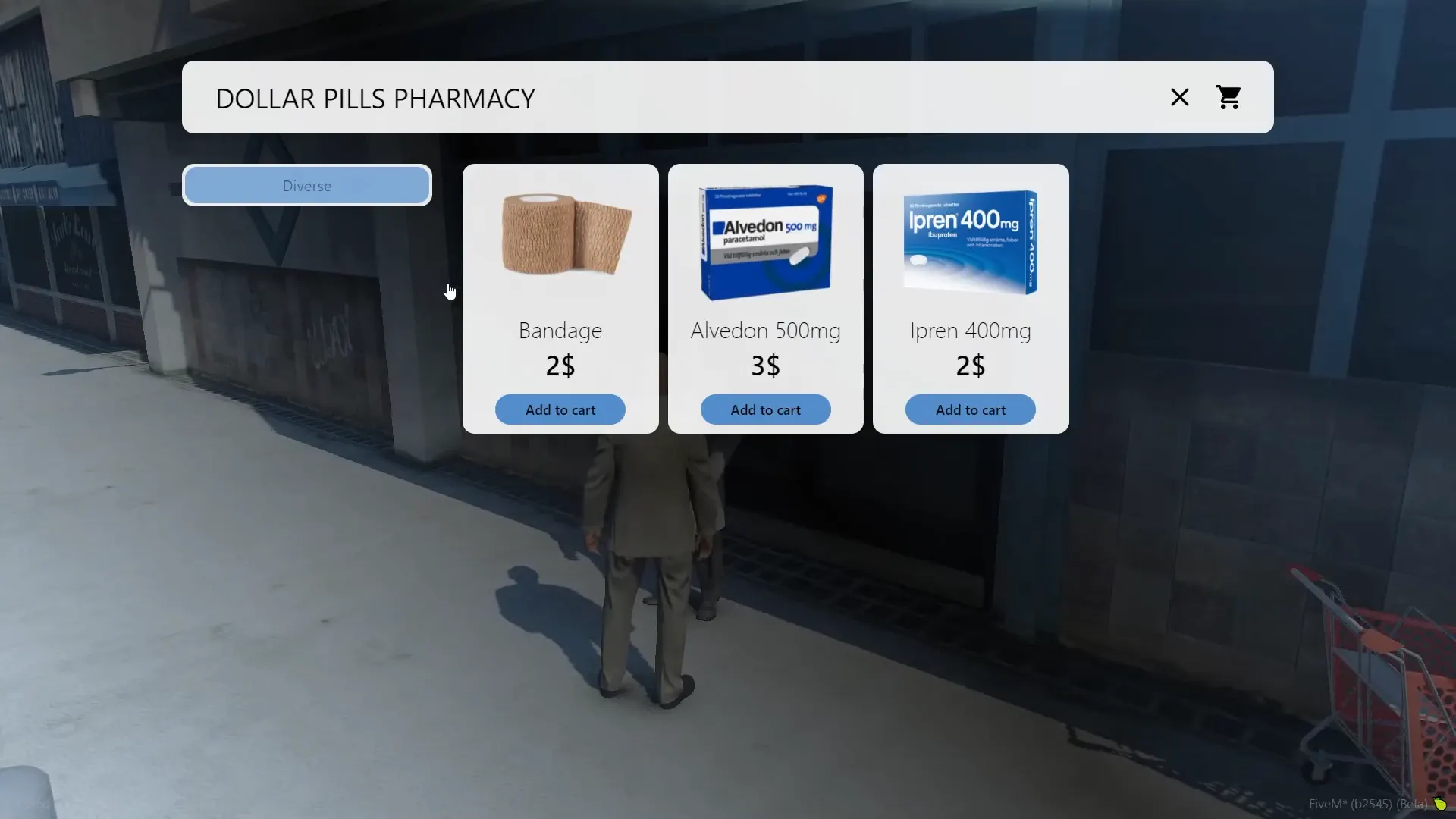
Store System is a system where you can add different store types, from having multiple scripts for different stores you can with this more easily and efficient add a store with categories, a theme and a cashier. You could add stores as example, black market, pharmacies, gun store and more.
Watch the showcase

Modern User Interface
Experience shopping like never before with our sleek, intuitive interface designed for maximum user engagement. Every element has been carefully crafted to provide a seamless browsing and purchasing experience that feels natural and responsive.
Key Features:
- Dynamic Categories - Organize your inventory with custom categories that adapt to your server's unique needs
- Rich Item Display - Showcase products with high-quality custom images
- Flexible Pricing - Set custom prices that fit your server's economy
- Visual Customization - Upload custom images and branding to match your server's aesthetic
- Language Customization - Translate all interface text to match your server's language
The interface automatically adapts to different screen sizes, ensuring your players have a consistent experience whether they're on desktop or mobile devices.
Compatibility & Support
This script is compatible with the following frameworks and inventory systems to ensure seamless integration with your server.
Supported Frameworks
ESX
QBCore
What Our Community Says
Real feedback from server owners who have purchased and used this product.

clarkreed
✓ Verified User"Amazing scripts drag and drop"

callhimdan
✓ Verified User"excellent"

Marcus Black
✓ Verified User""
Documentation & Customization
Learn how to configure, customize, and get the most out of your script with our comprehensive guides and interactive tools.


Complete Documentation
Script Explorer


Didn't Find What You Were Looking For?
Join our Discord community where you can get help from our support team and connect with other users. We're always ready to assist with questions, troubleshooting, and custom requests.
Join Our Discord